
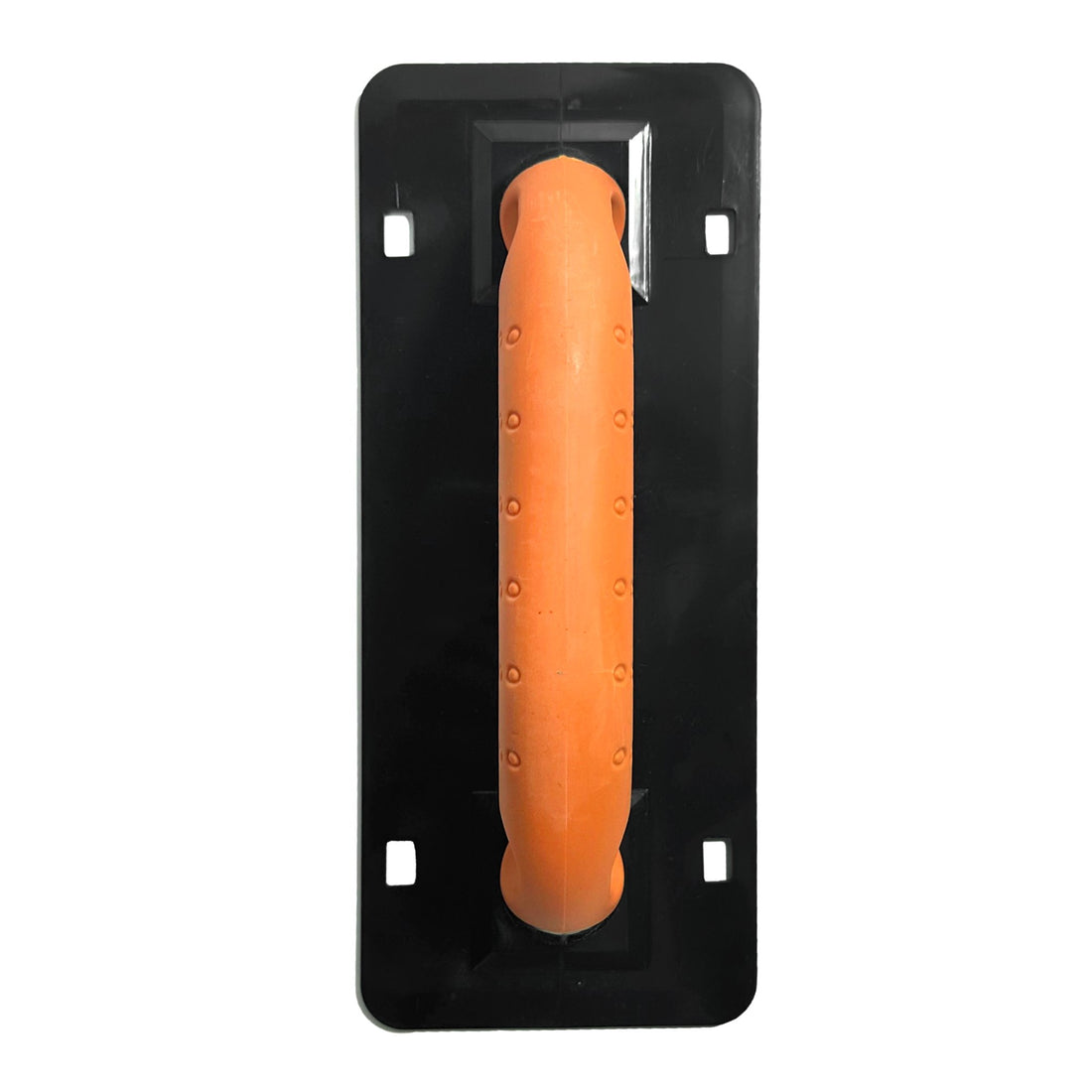
Panther GCS Quick Release Float Handle is a specialized tile finishing tool engineered for the Panther Grout Cleanup System to help rapid sponge replacement during large-scale commercial installations. Constructed with a durable composite body and an ergonomic grip, it features a positive-click locking mechanism that ensures a secure, wobble-free connection for consistent pressure during diagonal passes.
This interchangeable system prevents labor inefficiency and the risk of grout haze by allowing tilers to maintain a continuous cleaning rhythm through instant swaps between saturated and clean sponges.
Applications & Benefits
| Application / Use Case | Key Benefit | Primary Trades |
|---|---|---|
| Grout cleanup and finishing | Quick-release handle reduces time between sponge changes, improving efficiency | Tilers, Builders |
| Tile installation systems | Compatible with Panther GCS sponges for reliable, professional results | Tilers, Waterproofers |
| Maintenance and site cleanup | Durable construction withstands continuous use and wet environments | All Trades |
Applying Panther GCS Quick Release Float Handle: Enhanced Protocols & Best Practices
-
Step 1 – Check Compatibility & Prepare the System
Ensure you’re using genuine Panther GCS sponges (small or large). Inspect the handle and locking mechanism for wear or cracks before attaching a sponge.
Pro Tip: Always confirm the handle’s quick-release latch moves freely before starting. A smooth latch prevents downtime mid-cleanup. -
Step 2 – Attach the Sponge
Align the sponge plate with the handle’s mount, ensuring the release pins engage correctly. Press firmly until you hear a positive click — this confirms the sponge is locked in place.
Pro Tip: Give the sponge a light pull to confirm engagement before immersing it in water. -
Step 3 – Use for Grout Cleanup
Soak the sponge in clean water, then wring to damp. Glide the handle across freshly grouted surfaces in diagonal passes to remove residue without disturbing joints. Rinse and wring frequently for consistent results.
Timing: Begin cleanup once grout has firmed slightly — typically 10–20 minutes after application, depending on temperature and humidity. -
Step 4 – Replace or Clean the Sponge
When the sponge becomes saturated or clogged, press the quick-release latch to remove it. Attach a clean replacement to maintain efficiency and finish quality.
Pro Tip: Keep multiple Panther GCS sponges on hand — alternating between them maintains productivity on large areas. -
Step 5 – Post-Use Cleaning & Maintenance
After use, rinse both the handle and sponge thoroughly with water to remove grout residue. Allow components to air-dry before storage.
Pro Tip: Lightly oil the latch pivot occasionally to keep the quick-release mechanism operating smoothly over time.
Limitations & Safety
Product Limitations
Safety & Handling Requirements
General Use
Always inspect the locking mechanism before use to ensure it is secure. Replace the handle immediately if cracks or wear are visible.
Cleaning
Rinse the handle after each use with clean water to prevent grout buildup and maintain the quick-release mechanism.
Storage
Store in a dry, shaded area to avoid corrosion or material degradation from prolonged moisture exposure.
Panther GCS Quick Release Float Handle Physical Properties
| Property | Value |
|---|---|
| Product Name | Panther GCS Quick Release Float Handle |
| Alternate Name | Replacement Sponge Handle for Panther Grout Cleanup System |
| Compatibility | Fits both Panther small and large sponges |
| Handle Type | Quick-release mechanism |
| Construction | Durable composite body with ergonomic grip |
| Colour | Black / Orange |
| Applications | Grout cleanup, sponge float operation, tile finishing |
| Primary Trades | Tilers, Builders, Waterproofers |
| Compatible System | https://adheseal.com.au/products/panther-grout-clean-up-system |
| Brand | Panther |
